A private voice journal that doesn't upload your audio
Most voice journaling apps upload your audio to a server. What to check before trusting a private voice journal, and how Dearly keeps recordings on-device.
Your journal is the most sensitive data you own
Think about what a journal contains. Health worries you haven’t told your doctor yet. Things that went wrong at work. Fears you’d never say out loud at dinner. Relationship friction you’re still figuring out. The stuff that exists only in your head — until you write it down.
A voice journal contains all of that, and one thing more: your voice. Not a typed log, not a mood emoji — your actual voice, with its hesitations and emotion and timbre. That’s a biometric. It identifies you in a way a password can’t, because it can’t be changed.
A leaked spreadsheet of your step counts is annoying. A leaked voice diary is your inner life with a voiceprint attached. It’s a qualitatively different kind of exposure. That’s why it’s worth thinking carefully about where your audio actually goes when you press record.
What usually happens to your audio
The common pattern in voice-driven apps is this: you record, the audio uploads to a server, transcription happens in the cloud, the text comes back to your phone. That’s a reasonable architecture — cloud transcription is fast and accurate — but it means your raw audio left your device.
What happens to it after that varies a lot. Some services delete it immediately after transcription. Others retain it for quality improvement, model training, or debugging. The policy might say “we may use your content to improve our services” in language that technically covers your voice recordings. Often there’s no clear statement either way.
None of this is necessarily malicious. Infrastructure decisions get made for practical reasons, not because someone is collecting voice diaries. But most people never check the privacy policy, and the defaults often aren’t what you’d choose if you thought about it.
One useful rule of thumb: if the privacy policy doesn’t say where transcription happens, assume your audio leaves the device.
Five questions to ask any voice journaling app
Before you commit to an app with your most personal thoughts, it’s worth five minutes with the privacy policy. Here’s what to look for:
-
Does raw audio leave the device? The policy should say explicitly whether your recordings are uploaded. “We process audio on our servers” means yes. Silence on this point means assume yes.
-
Is transcription on-device or cloud, and is transit encrypted? On-device transcription means your audio never travels. Cloud transcription can be fine if the audio is encrypted in transit and not retained — but the policy needs to say so.
-
Can you delete everything, and does deletion include the server copy? “Delete account” should mean a full wipe — your data, your account, any server-side copies. If the policy only mentions deleting your account without addressing stored data, ask yourself what’s left.
-
Is there a local lock? A biometric lock (fingerprint) means someone who picks up your unlocked phone can’t open the app. It’s a basic but important layer for something this sensitive.
-
What analytics and crash tooling is bundled, and is it disclosed? Nearly every app uses some kind of crash reporting and usage analytics. That’s fine, but it should be named in the privacy policy. “We collect usage data” with no specifics is a yellow flag. You want to know what’s collected and whether it includes anything from your entries.
How Dearly answers those questions
Here’s how Dearly sits against that checklist, based on what the privacy policy actually says:
Does raw audio leave the device? Only transiently, to be transcribed. Voice recordings are stored only on your device; audio travels over an encrypted connection to Dearly’s transcription service and is never stored server-side.
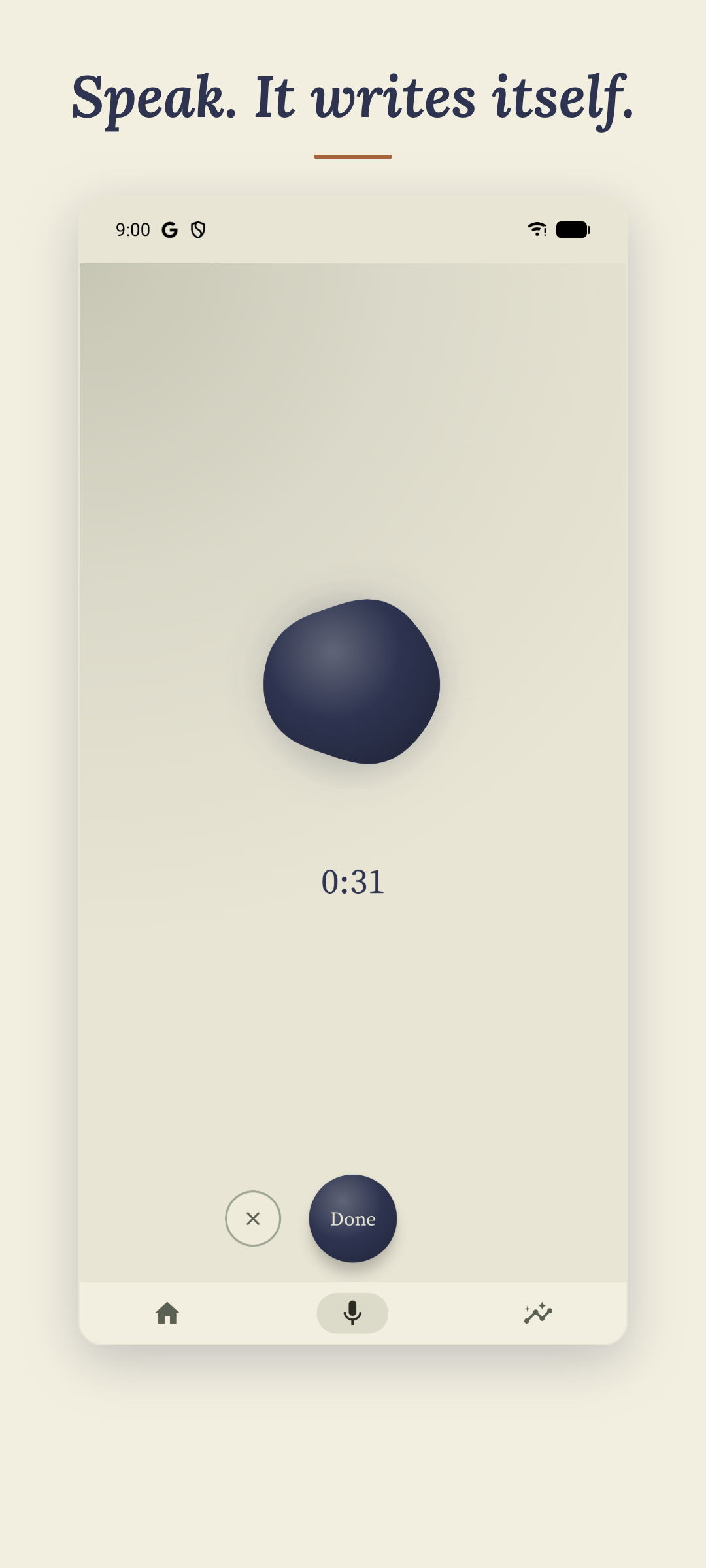
Transcription — on-device or cloud? Cloud, via Google’s Gemini API. The audio is sent over an encrypted connection for transcription. Dearly uses the Gemini API under terms whose paid tier doesn’t permit Google to use your content to train its models. The audio isn’t stored by Dearly, and temporary server-side caches are removed when you delete your account.
Can you delete everything? Yes. Settings → Delete account permanently removes your Firestore data, your account, and all local data — database and audio recordings — from the device. If you’ve uninstalled the app, there’s a web flow for that too at /dearly/delete-account/.
Local lock? Built in. You can lock the app behind your fingerprint.

Analytics and crash tooling? Firebase Analytics and Firebase Crashlytics, both disclosed in the privacy policy. The advertising ID is disabled. Ad-personalization signals are off. The analytics data isn’t linked to your account or identity. Your journal content — transcripts, audio, moods, notes — is never included in any analytics event or crash report.
If you want to try it yourself: Dearly on the Play Store.
The trade-off, honestly
Cloud transcription is the right call right now, but it comes with a real trade-off worth naming clearly.
Because transcription happens in the cloud, Dearly needs an internet connection to transcribe an entry. Recording itself works offline — you can capture the audio anytime — but the transcription step won’t complete until you’re connected. If you journal somewhere without a signal, you’ll be sitting with unprocessed audio until you reconnect.
A fully on-device pipeline would be more private still. No audio would ever travel anywhere. But on most Android phones today, on-device speech-to-text models trade too much accuracy for that guarantee. The results are noticeably worse, especially with natural, unscripted speech — which is exactly what voice journaling produces. A tool that mishears you frequently becomes frustrating fast, and people stop using it.
The current approach — your recordings stay on your device; audio travels over an encrypted connection only to be transcribed and is never stored server-side — is the balance Dearly landed on. It’s not perfect privacy. It’s the best accuracy-vs-privacy trade-off available right now, with honest disclosure about what travels and what doesn’t.
If that trade-off doesn’t work for you, that’s a fair call. The point is you should know about it before you trust the app with your most private thoughts, not after.
Dearly is an AI voice journal for Android and iPhone by BroooApps. The privacy policy is written in plain language and lives at brooo.app/dearly/privacy/.